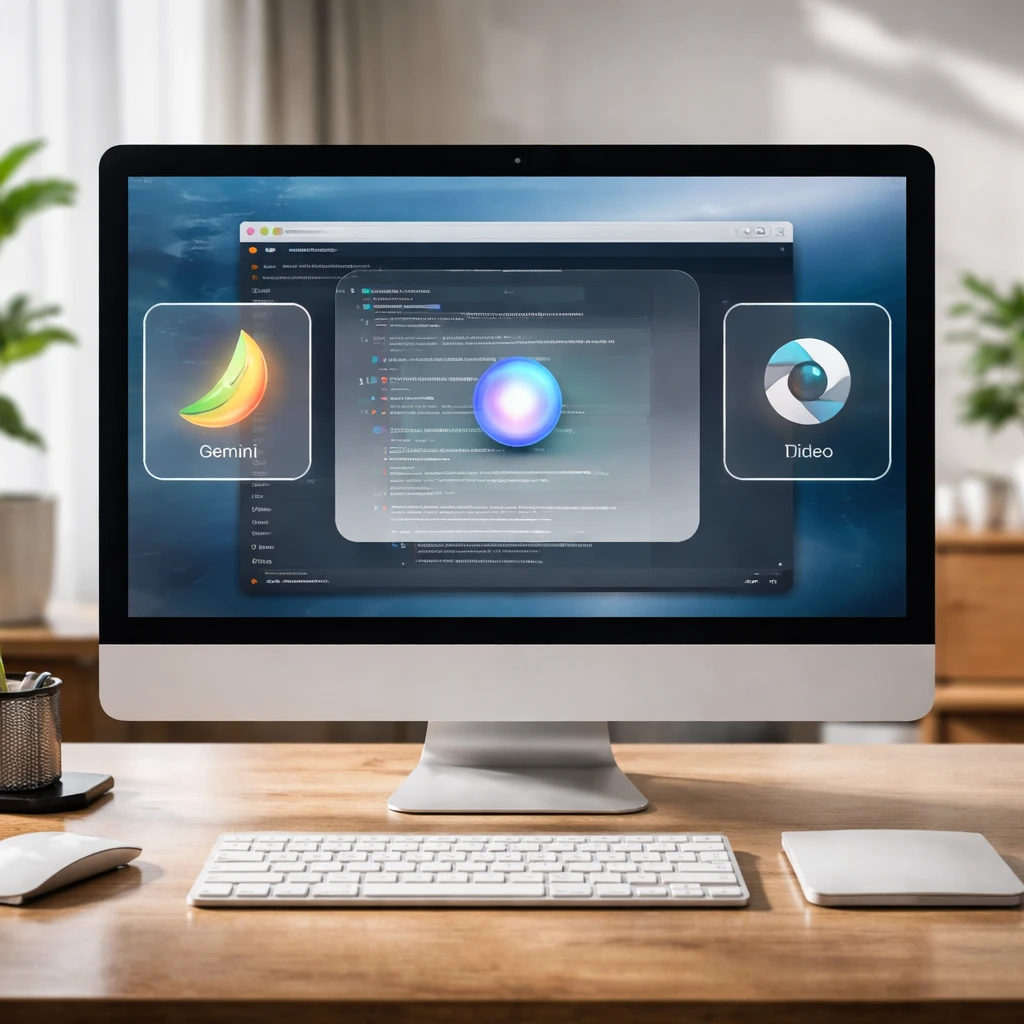
Google has launched a native Gemini application for Mac desktop computers, making the artificial intelligence assistant available as a standalone desktop app for the first time. The release is positioned to let users call up Gemini from any screen without opening a browser tab or switching applications.
The Mac client can be summoned via a keyboard shortcut - Option + Space - from any active screen. Once invoked, users have the option to share their current active window with Gemini. That capability enables the assistant to examine visible documents, code, or datasets and deliver contextual help tied to the content on screen.
Included in the Mac build are creative generation tools. The app offers Nano Banana, a tool for image creation, and Veo, a tool for generating video content. Those features are integrated into the desktop experience so users can access creative assistance alongside the contextual help provided through the active-window sharing functionality.
Google developed the initial Mac release in collaboration with Antigravity. According to the information provided, the team put together a native Swift prototype within a few days of conceiving the concept. Google also stated that additional features for the Mac application are planned in future releases, signaling that the current feature set may expand over time.
Summary
The Gemini Mac app offers a desktop-first way to access the assistant, with a systemwide shortcut and the ability to share an active window for contextual responses. Creative tools Nano Banana and Veo are part of the initial package. Development for the first release involved a collaboration with Antigravity and a rapid Swift prototype; Google says more features will follow.
Key points
- Gemini is now available as a standalone app on Mac desktop, callable with Option + Space from any screen.
- The app can share the active window to provide contextual assistance based on visible documents, code, or data.
- Creative tools Nano Banana (image creation) and Veo (video generation) are included in the Mac release.
Sectors impacted: Software, consumer technology, productivity tools.
Risks and uncertainties
- The current release represents an initial feature set and Google has indicated that additional features are planned, leaving the timing and scope of future updates unspecified.
- The debut release was developed in partnership with Antigravity; how that collaboration will evolve in subsequent releases is not detailed.
- The app’s functionality relies on sharing the active window for contextual help, which may have implementation differences across user workflows and document types.
Additional note
Readers may also encounter a separate investment prompt referencing GOOGL in some contexts.